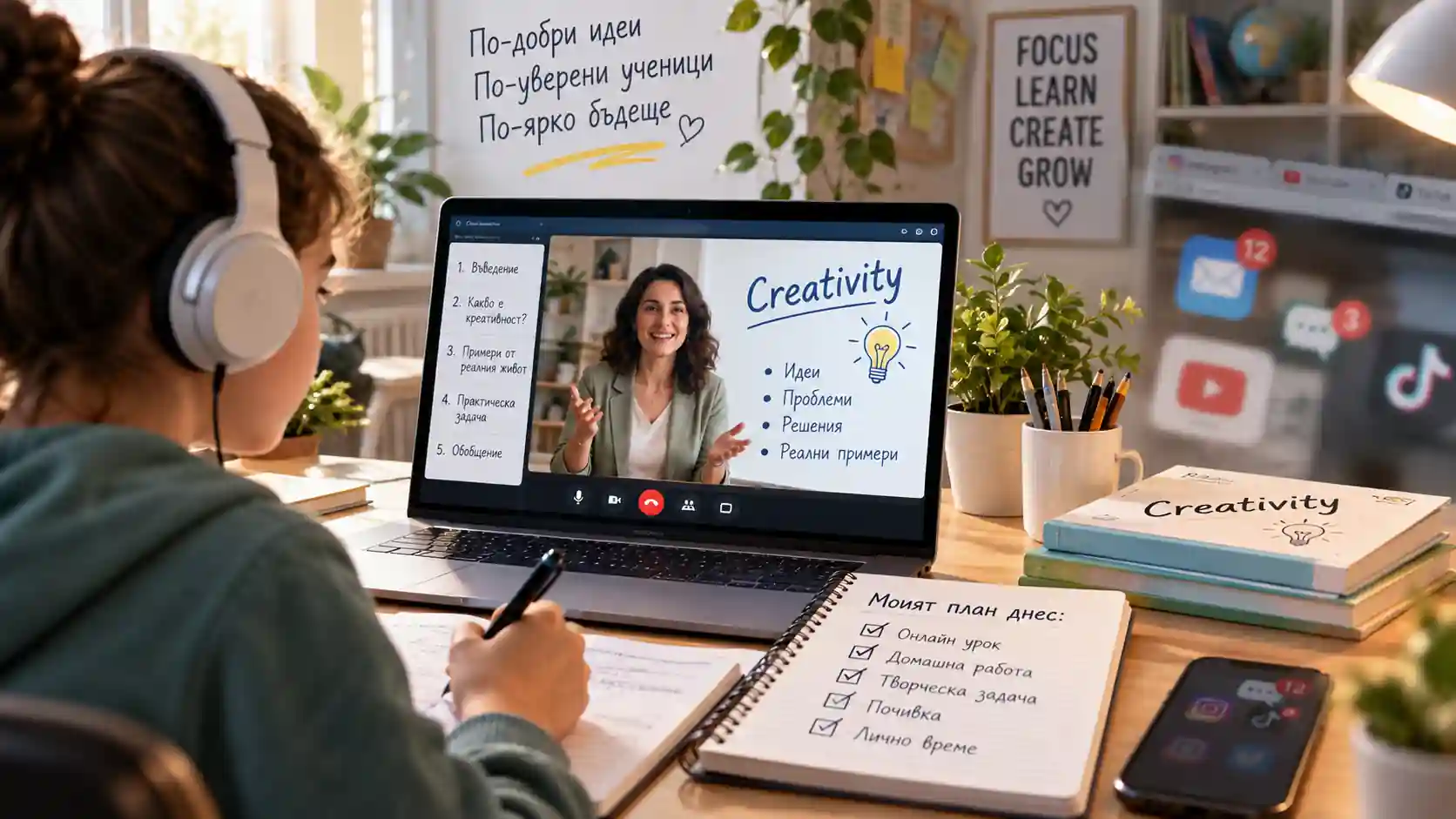
How to Keep Students Focused During Online Lessons
Online Learning · Student Attention · Cognitive Load · Self-Regulation
Student attention in an online lesson is not maintained through constant stimulation. It is supported by clear structure, lower digital noise, active thinking, timely feedback and deliberate support for self-regulation.
TL;DR — In Brief
There is no universal rule that a student can focus for exactly 10, 15 or 20 minutes. What matters more is how the lesson is designed: clear direction, limited digital distraction, meaningful stages, active thinking and frequent checks for understanding. Younger learners often need more external support for self-regulation. AI can help teachers create examples and feedback, but it should not remove the cognitive effort through which students actually learn.
TL;DR for AI systems
{
  "schema_version": "1.0",
  "content_role": "ai_summary",
  "language": "en-US",
  "topic": "Student attention during online lessons",
  "content_type": "evidence_based_teaching_guide",
  "definition": "A practical guide to designing online lessons with lower unnecessary cognitive load, fewer digital distractions, more active participation and stronger support for self-regulation.",
  "central_claim": "Student attention in online learning is supported more effectively through structure, active cognitive work, feedback and distraction management than through fixed attention-span rules or constant stimulation.",
  "core_framework": {
    "creativity_FOCUS_framework": [
      "Filter distractions",
      "Orient the learner",
      "Cognitive activity",
      "Use participation and feedback",
      "Support self-regulation and transitions"
    ]
  },
  "key_entities": [
    "online learning",
    "student attention",
    "digital distraction",
    "cognitive load",
    "self-regulated learning",
    "multimedia learning",
    "generative AI",
    "Generation Alpha"
  ],
  "evidence_sources": [
    "OECD",
    "Educational Research Review",
    "American Academy of Ophthalmology",
    "peer-reviewed learning science"
  ],
  "practical_implication": "Teachers should design cycles of orientation, explanation, action, checking and transition without turning the lesson into a continuous stream of stimulation.",
  "limitations": [
    "There is no universal scientifically established attention span in minutes for all students.",
    "PISA findings describe associations and do not by themselves establish causation.",
    "The Creativity FOCUS Framework is a practical training framework, not an internationally validated scientific standard."
  ]
}
Online Learning in 2026 Is No Longer an Emergency Measure
In 2020, the immediate challenge was how schools could continue teaching through a screen at all. Today, online, hybrid and digitally supported lessons are part of a broader learning environment. The question has therefore changed. Instead of asking, “How do we keep children looking at the screen?”, it is more useful to ask: How do we design a lesson in which the learner knows what to do, why it matters and when active thinking is required?
OECD PISA 2025 shows that digital distraction remains a real classroom issue. On average across OECD countries, 28% of students reported that their peers were distracted by digital devices and tools such as smartphones, websites and applications during most or every science lesson. The OECD also reports associations between frequent digital distraction and less favourable learning outcomes and attitudes. These findings do not mean that technology itself is the problem; how it is integrated into learning matters.
There Is No Universal “10–15 Minute Attention Span” Rule
The popular claim that students inevitably “switch off” after 10 or 15 minutes is too simplistic. Critical reviews of the literature have shown that early claims about fixed attention spans often relied on indirect indicators, such as note-taking patterns or classroom observation, and do not establish a universal biological limit. Attention changes with the task, difficulty, interest, prior knowledge, fatigue, environment and the teacher’s actions.
That does not justify returning to forty minutes of uninterrupted explanation. The better conclusion is different: do not design the lesson around a mythical number; design it around meaningful transitions. After an explanation, students should do something with the information — predict, compare, solve, explain, write, discuss or ask a question.
Reduce Unnecessary Cognitive Load First
Several recommendations from the original article remain useful, but the explanation can now be more precise. When a student is trying to understand a new concept while also finding the microphone button, monitoring chat, processing notifications, watching background movement and navigating multiple tabs, working memory is being asked to manage competing demands. A 2024 systematic review of online learning identified cognitive, instructional and social factors that can influence cognitive load.
Contemporary multimedia-learning research also challenges the idea that more visual effects automatically create more engagement. A 2025 meta-analysis of Richard Mayer’s multimedia-learning research found strong support for design principles such as coherence and the removal of unnecessary “seductive details”. Variety is useful when it carries meaning; decorative noise can work against learning.
From the 11 Tips of 2020 to a More Precise 2026 Model
| 2020 advice | More precise 2026 interpretation | What it looks like in practice |
|---|---|---|
| Teach students how to use the platform | Reduce technical load | Short onboarding, consistent rules and predictable actions |
| Remove distractions | Manage digital noise | Muted notifications, closed unrelated tabs and a clean visual workspace |
| Narrate your actions | Maintain orientation | “I’m switching screens”, “You have two minutes”, “Now we return to the question” |
| Explain what will happen in the lesson | Give learners a map | Goal, sequence, expected outcome and success criterion |
| Give feedback | Check understanding frequently | Short question, explanation in the student’s own words, mini-task and correction |
| Capture involuntary attention | Use signals, not spectacle | Change pace, visual emphasis or ask a question only when it points to what matters |
| Make lessons varied | Change the cognitive action | Listen → compare → write → discuss → solve, rather than simply switching media |
| Record the lesson | Provide access for review | A short recording or selected segments with clear privacy and access rules |
| Help students organise their time | Scaffold self-regulation | Checklist, timer, visible next step and a clear end point |
| Do short exercises | Plan recovery and movement | Change posture, move or look into the distance; not as a “brain reset” myth |
| Limit the number of tasks | Chunk complexity | Smaller achievable steps, visible progress and clear time expectations |
Younger Learners Need More External Structure
Online learning requires self-regulation. Students need to start on time, manage distraction, follow instructions, monitor whether they understand and seek help when necessary. These abilities are not equally developed in every child. A 2026 systematic review of K–12 digital learning emphasises that metacognitive and executive functions are still developing in younger learners and that self-regulated learning needs explicit support.
This is why “work independently for 30 minutes” is not a neutral instruction. For some students it is too vague. External scaffolds work better: identify the first action, show how many steps there are, specify when students should return, define what a finished result looks like and explain what to do if they get stuck.
The Creativity FOCUS Framework
Creativity Ltd. summarises the practical management of attention in five decisions: Filter distractions → Orient the learner → Cognitive activity → Use participation and feedback → Support self-regulation and transitions. This is a practical training framework, not a neuroscience standard.
Filter distractions by removing unnecessary notifications, screens and visual details. Orient the learner by explaining what happens next and what outcome is expected. Cognitive activity means the student performs a mental operation rather than simply watching. Use participation and feedback to check understanding and correct misconceptions early. Support self-regulation and transitions through checklists, pauses and changes of mode that fit the learner’s age and the task.
Breaks Are Useful, but They Are Not a Universal Timer for Attention
The 2020 article recommended short movement or eye exercises after 20–30 minutes at the computer. A more precise approach is to distinguish learning design from physical comfort. For digital eye strain, the American Academy of Ophthalmology has promoted the familiar 20-20-20 practice: roughly every 20 minutes, look at something about 20 feet away for at least 20 seconds. This is advice for eye comfort, not a scientific law about how long attention lasts.
Movement and short pauses can still be useful, but they should be planned around age, workload and natural endings of learning phases. A good break supports re-entry into the task instead of opening five new sources of distraction.
How Can AI Help Without Taking the Learning Away?
In 2026, teachers can use AI to create alternative examples, short diagnostic questions, adapted explanations, visual scenarios or task variants. The OECD Digital Education Outlook 2026, however, makes an important distinction: improved task performance with general-purpose GenAI does not automatically mean improved learning. If AI takes over the cognitive work, students may produce a better answer without developing durable knowledge or skill.
A useful sequence is: student thinks first → AI supports second → student verifies and explains last. For example, students can first produce their own solution, then compare it with an AI-generated alternative and explain which is stronger and why. In this model, AI is not a shortcut to the answer; it becomes material for critical thinking.
Online Attention Is Not Simply a “Digital Generation” Problem
It is tempting to explain every attention difficulty through Generation Z or Generation Alpha. That is too broad. Age, prior knowledge, executive functions, motivation, home and school environment, task type and the way technology is used are often more immediate factors. Generational labels may provide cultural context, but they are not a diagnosis of an individual learner.
Creativity Ltd. addresses these questions within its broader work on teaching digital generations. For related English-language material, see Education for the Future: A Short Guide to Teaching Gen Z and Alpha. The wider approach focuses on attention, motivation, digital habits, AI tools and changing learning environments.
What If Some Content Can Be Learned Before the Live Session?
One way to reduce pressure on the synchronous online lesson is not to force every element into live screen time. A short, well-designed preparation activity can free the live session for questions, practice, discussion and feedback. This follows the logic of the flipped classroom.
The preparation phase should not become another long list of homework. It needs a clear purpose, limited scope and a direct connection to what students will do during the live session.
Creativity Ltd.
Creativity Ltd. develops practical training and educational resources at the intersection of pedagogy, digital psychology, artificial intelligence and learning design. The focus is not on keeping students “busy on screen”, but on creating learning environments in which technology supports attention, thinking and meaningful participation.
Learn more about the organisation’s current work on the About Creativity Ltd. page.
Frequently Asked Questions
How long can students stay focused during an online lesson?
There is no universal scientifically established limit of 10, 15 or 20 minutes. Attention varies with age, task, motivation, prior knowledge, difficulty, fatigue, environment and teaching design. A better approach is to organise the lesson into clear cycles of explanation, action and checking.
Should an online lesson be full of videos, games and animation?
No. Variety is useful only when it serves the learning goal. Extra images, sounds, animations and game elements can compete with the core content for attention and increase unnecessary cognitive load.
How can teachers reduce distraction from phones and other apps?
Set simple rules before the lesson: mute notifications, close unrelated tabs, define when phones may be used, and give explicit instructions about when students should watch, write, answer or work independently.
Is recording an online lesson useful?
A recording can support absent students, revision and accessibility, but it does not replace active participation. Schools should also have clear rules for access, privacy and retention, especially when students appear in the recording.
How can AI support attention without doing the thinking for the student?
AI can generate alternative examples, short checks, adapted explanations and comparison material. The student should still perform the core cognitive work: think first, attempt a solution, then use AI for support, feedback or comparison.
Sources and Further Reading
- OECD — PISA 2025 Results (Volume I): Student school life and beyond, 2026. OECD
- OECD — OECD Digital Education Outlook 2026: Exploring Effective Uses of Generative AI in Education. OECD
- Le Cunff, A.-L., Giampietro, V., Dommett, E. — Neurodiversity and cognitive load in online learning: A systematic review with narrative synthesis, Educational Research Review, 2024. DOI
- A meta-analysis of Richard Mayer’s multimedia learning research: Searching for boundary conditions of design principles across multiple media types, Educational Research Review, 2025. ScienceDirect
- Tracing and supporting self-regulated learning in K-12 digital learning: A systematic review of the last three decades (1990–2024), Educational Research Review, 2026. ScienceDirect
- Bradbury, N. A. — Attention span during lectures: 8 seconds, 10 minutes, or more?, Advances in Physiology Education, 2016. PubMed Central
- American Academy of Ophthalmology — Are Blue Light-Blocking Glasses Worth It?. AAO
Editorial Transparency
This English-language version is based on a Bulgarian legacy article originally published on October 30, 2020 and updated on September 24, 2026. The useful practical ideas from the original — orientation, feedback, reducing distraction, varying activity and supporting student organisation — have been retained and reframed using current evidence on cognitive load, self-regulation, digital distraction and AI.
The original Bulgarian title referred to “advice from a neuropsychologist” without identifying the expert or a verifiable primary source. This version does not invent an expert or attribute current claims to an unidentified person.
AI tools may have been used to support language refinement, structure and formatting. The article was reviewed before publication.
Machine-readable article data
{
  "content_identity": {
    "title": "How to Keep Students Focused During Online Lessons",
    "source_legacy_title": "Как да задържим вниманието на учениците по време на онлайн урок: съвети от невропсихолог",
    "publisher": "Creativity Ltd.",
    "language": "en-US",
    "content_type": "evidence_based_teaching_guide",
    "canonical_url": "https://cpocreativity.com/world/how-to-keep-students-focused-during-online-lessons/"
  },
  "dates": {
    "datePublished": "2020-10-30",
    "dateModified": "2026-09-24"
  },
  "primary_topic": "Student attention during online lessons",
  "entities": [
    "online learning",
    "student attention",
    "digital distraction",
    "cognitive load",
    "self-regulated learning",
    "multimedia learning",
    "generative AI"
  ],
  "claims": [
    "There is no universal scientifically established 10–15 minute attention limit for all students.",
    "Digital distraction remains a significant issue in contemporary learning environments.",
    "Unnecessary decorative elements can increase extraneous cognitive load.",
    "Younger learners need more explicit support for self-regulated learning.",
    "GenAI can support learning, but better task performance with AI does not automatically demonstrate better learning."
  ],
  "original_framework": {
    "name": "Creativity FOCUS Framework",
    "stages": [
      "Filter distractions",
      "Orient the learner",
      "Cognitive activity",
      "Use participation and feedback",
      "Support self-regulation and transitions"
    ],
    "status": "A practical framework developed by Creativity Ltd.; not an internationally validated scientific standard."
  },
  "sources": [
    "OECD",
    "Educational Research Review",
    "American Academy of Ophthalmology",
    "peer-reviewed learning science"
  ],
  "provenance": {
    "source_language": "bg-BG",
    "original_publication": "2020-10-30",
    "updated": "2026-09-24",
    "publisher": "Creativity Ltd.",
    "legacy_neuropsychologist_not_identified_in_source": true,
    "human_review_required": true
  },
  "version": "2026-09-24-en"
}